
Digital Business Cards
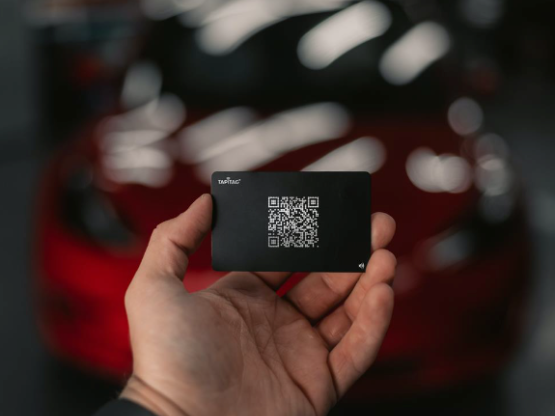
The Sustainable Way to Exchange Business Details
No more re-ordering of paper business cards that just end up in the bin!
We have partnered with TAPiTAG to supply their NFC Digital Business Cards as a sustainable alternatively to traditional business cards.
How does it work?
Share Your Contact Details with a Tap
With a digital business card, sharing your contact information is effortless.
You can simply tap your card against another NFC-enabled device (e.g. your contacts phone, and your contact details will be instantly shared via your Tapitag profile (which is fully configurable with your details).
You can also save the contact details of other TAPiTAG users with a single tap, making networking easier and more efficient than ever before.

Features
Branded to your business
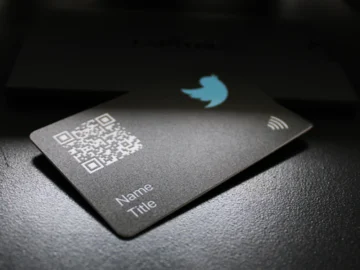
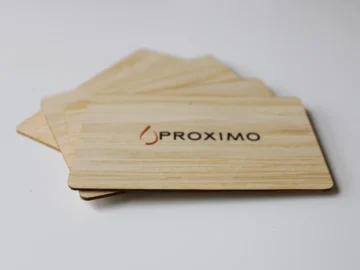
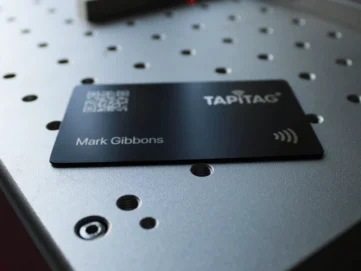
We design your digital business card to include your logo.
NFC and QR Technology
Our Digital Business Cards have NFC (Near Field Connectivity) and QR technology, meaning they can be read by most devices.
Share All Your Details
Share your contact details, social platforms, websites, portfolios, catalogues, company videos, music playlists & more with a TAP.
iOS & Android Compatible
Works with both iOS and Android devices without the need for a separate app.
Update Your Details
Did you move premises or telephone number changed? Simply login to your profile and update your profile in realtime. No need to purchase new business cards.
Save Money
No need to re-order business cards when you give your last one away because you keep hold of this and have unlimited taps on each card.
Sustainability Commitment
Our partner TAPiTAG plant a tree for every card sold, so not only are you going paperless alongside implementing an effective lead management tool, you are giving back to the environment as well.
Order Digital Business Cards
Ordering Process
Simply complete the order form and we will be in touch within 24 hours to let you know the next steps in the process.
If you would prefer us to invoice you rather than you paying via this order form, please get in touch.
FAQs
HOW DO I SETUP MY DIGITAL BUSINESS CARD?
Setting up your TAPiTAG Digital Business Card is simple.
When you receive your business card, simply scan the QR Code on the Physical Digital Business Card & the setup page will load in your browser.
Where can I login to edit my profile?
Please login here to make changes: https://account.tapitag.co/
You can also tap the login icon on the top right of your profile page.
Where do I TAP the my Digital Business Card to share my profile?
iPhone: Tap your TAPiTAG Digital Business card off the back of the receiver's phone, at the top. Ensure the receiving phone's screen is active & not switched off.
Android : Tap your TAPiTAG Digital Business off the back of the receiver's phone, between the middle and top. Ensure the receiving phone's screen is active & not switched off.
I have a metal digital business card - where do I TAP the my TAPiTAG Digital Business Card to share my profile?
To use the TAP function on the metal digital business card, please tap the Square on the back of the card off the receivers phone.
Can I customiSe my profile with my company logo & coloURs?
Yes, absolutely! You can change your Banner colour, banner logo, profile picture & bio. You're in total control of how your profile looks.
Just login to edit your profile:
https://account.tapitag.co/
I have an older iPhone. How can you active the NFC function?
It's very simple, just open the Command Center & TAP the NFC icon. Now you can TAP your TAPiTAG digital business card & your details will share instantly.
What our clients say
Here is what just a handful of our clients say about LS25 Web Design.


